AI Reports: 10 Examples for Agencies and Site Owners
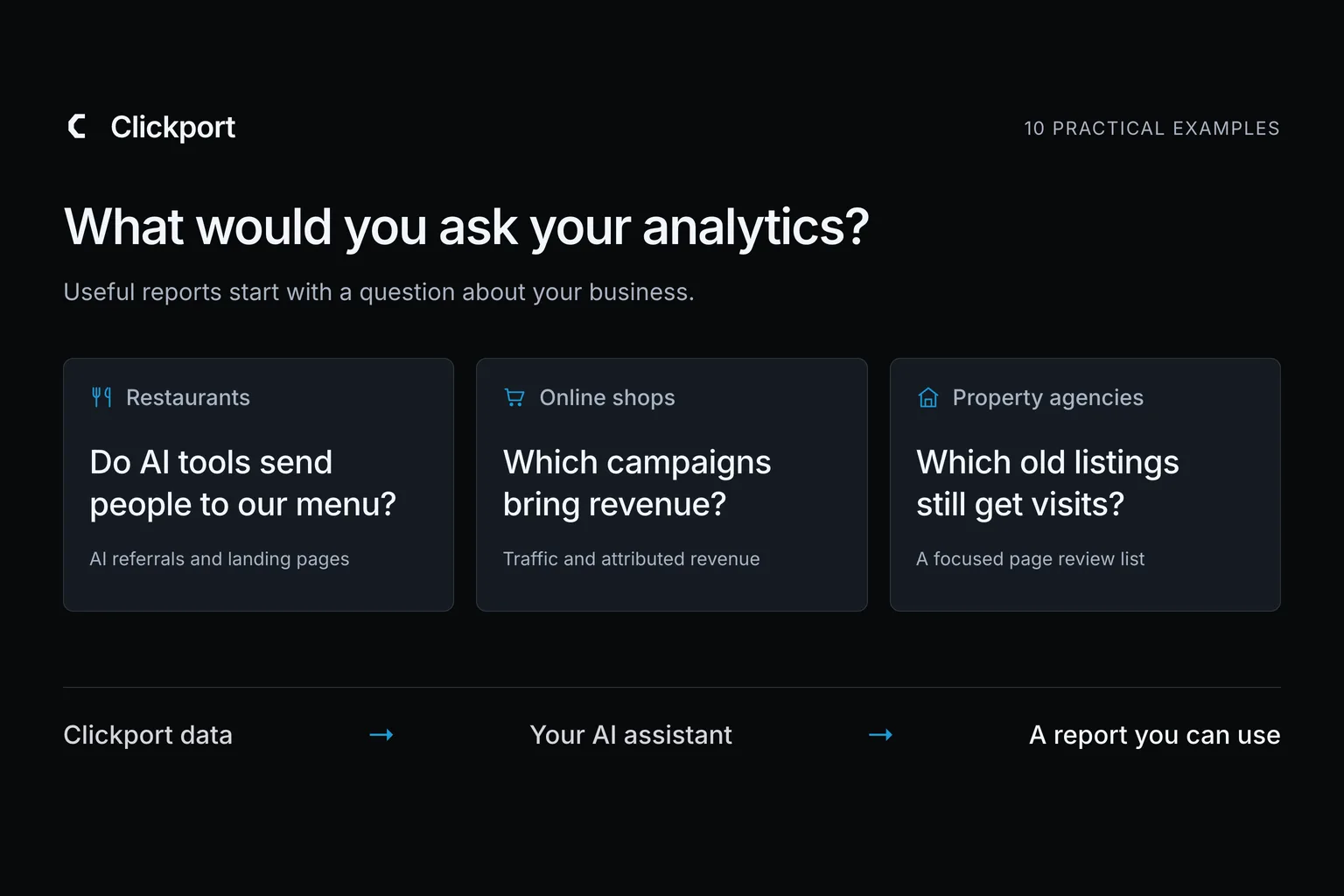
A restaurant owner wants to know whether AI search brings people to their menu. A hotel owner wants to decide which language to add to their website. A shop owner wants to know which campaigns bring sales.
I'd give those three people different reports.
That's what makes AI reports useful to me. You can start with the question the owner cares about, then ask for the figures and explanation that answer it. The result can be a short client email, a meeting brief, or a list of pages to review.
Connect Clickport to your AI assistant, and it can query your website data as you ask questions. Clickport supplies the numbers. Your connected assistant writes the report.
Here are 10 example briefs I'd use for agencies and website owners. Adapt the page names, dates, and business details to your site.
- Connect Clickport to an AI assistant to turn website data into a report about a specific business question.
- A restaurant can use a report that separates AI crawler activity from people arriving through AI search.
- Shops can compare attributed revenue across traffic channels when revenue tracking is connected. Hotels can use country and language data to prioritise translations.
- Agencies can reuse a report brief for similar clients while keeping each report tied to the correct website and reporting period.
- Add business context where the question needs it: launch dates, opening hours, reception questions, or tracked enquiry totals.
1. Restaurants: see what AI search brings to your website
If you run a restaurant, you may want to know whether AI tools are sending people to your website. With AI agent tracking connected, a report can show which pages AI services fetch. It can separately show people arriving from AI search.
Ask about the menu, location, and private-dining pages. You get an update about the parts of the website that help someone decide whether to visit.
Write a monthly website update for a restaurant. Show which pages AI services fetched. Separately, compare visits referred by AI tools with the previous month and list their landing pages. Suggest two pages the restaurant team should review.
Restaurant website · AI Search referrals
ChatGPT brings the most visitors in this example. The next question is which restaurant pages they reach.
Clickport dashboard. Example data, August 1–28, 2026. Human referrals, separate from AI fetches.I'd use the report to choose where to check the menu, opening hours, photographs, and booking information. A menu receiving human visits deserves a different discussion from a page only crawlers have fetched.
Clickport observes those fetches and referrals. It doesn't see the full AI answer, so a fetch alone doesn't establish that an assistant recommended the restaurant. Our agency guide to AI traffic explains the distinction.
2. Online shops: compare the revenue behind the traffic
Your shop runs an email promotion and a social campaign. Both send visitors. Before planning the next promotion, you'd like to see how their attributed revenue compares.
With payment revenue tracking connected, the assistant can compare traffic with the revenue attributed to each channel or campaign.
Prepare a promotion review for the last 28 complete days. Compare visitors and attributed revenue for our leading traffic channels and campaigns. Within those results, identify where revenue and traffic tell different stories. Give me three questions to consider before the next promotion.
That gives you something useful to discuss with whoever runs your email and paid campaigns. You might investigate a campaign that attracts plenty of visits but little attributed revenue, or examine what worked in a smaller campaign.
If you want a return-on-ad-spend calculation, add the advertising costs. Revenue alone doesn't tell you whether a campaign is profitable.
3. SaaS: report on what happened after a launch
A launch creates plenty to discuss: the announcement, the feature page, the pricing page, and the channels that brought people in. I would want one short report that connects those parts before the next team meeting.
Give the assistant the launch date and the pages you promoted. Add your signup total if signups are part of the review.
Compare the 14 days before and after the launch date I provide. Show changes in traffic sources and visits to the launch and pricing pages. Use the signup totals I supply in a separate section. Write a brief for the team, ending with one follow-up question for marketing and one for product.
The report helps you decide where to investigate. Did the announcement reach people? Did the pricing page receive more attention? Did signups move in the same direction?
You can answer those questions together without claiming the launch caused every change. Your next discussion starts with what happened on the site.
4. Hotels: decide which guest information needs another language
Your hotel welcomes guests from several countries, but the website's room details, parking instructions, and cancellation information may only be available in one language.
An AI report can help you choose what to translate first. Ask it to look at visitor countries and browser languages for the pages guests use when planning a stay.
Review the last 90 complete days of visits to our room, offer, and guest-information pages. Compare visitor countries and browser languages. Recommend one language update to consider, and show which pages and counts support that recommendation.
Hotel website · Room and guest-information pages
German is the largest browser-language group after English here. That gives the hotel a translation option to discuss with reservations.
Clickport dashboard. Example data, August 1–28, 2026. Browser language describes website interest, not bookings.That gives the hotel owner a focused brief for the person updating the website. I'd also ask the reservations team which questions they receive from overseas guests.
The report supplies evidence of website interest. The team's experience helps decide whether the priority is room information, arrival instructions, or the booking process.
5. Local trades: help people who arrive after you close
A plumbing company's office closes for the day. Its website remains available, including the emergency-service and contact pages.
I'd want to know how much activity those pages receive outside opening hours. That can guide a useful change to the website's contact information.
Our opening hours are listed below. Review hourly visits to our emergency-service and contact pages over the last four complete weeks. Use the site's local timezone. Show activity outside opening hours and suggest one change to the contact information for the owner to review.
The resulting report could help you decide where to explain the emergency service, when someone can expect a reply, or how to leave a request.
Include the business's actual availability in the brief. The assistant can write a recommendation around that information without assuming someone answers the phone all night.
6. Dental clinics: answer the questions reception keeps hearing
A clinic's reception team knows which questions people ask before a first appointment. Where can I park? What should I bring? Where are the fees?
Give those questions to the assistant alongside the page addresses for the clinic's practical information. It can compare the questions with the pages people visit.
Here are our reception team's common questions and the relevant website pages. Review traffic to those pages over the last 28 complete days. Recommend two explanations to improve or link from our appointment emails. Explain which recommendation comes from the traffic and which comes from reception's feedback.
This is a report the practice manager can use to brief a writer or update an appointment email. It gives the website work a clear purpose: make useful information easier to find before someone visits.
I'd include only the general questions reception hears. The report doesn't need patient details.
7. Property agencies: find unavailable listings that still get visits
A property sells or a rental is let, but its listing can continue attracting visitors. The agency needs to decide which old pages require a clearer availability notice or links to current properties.
Give the assistant the unavailable listing addresses and the dates their status changed. Clickport can supply the traffic for those pages.
Use this list of unavailable properties and their status-change dates. Check which listing pages received visitors afterwards, including visits that started on those pages. Prioritise three listings for an availability notice or links to suitable current listings.
Property website · Three unavailable listings
Start with the oak-cottage listing: 94 sessions still begin there. Make its availability clear and link to current properties.
Clickport dashboard. Example data, August 1–28, 2026. Listing availability comes from the supplied property list.You get a maintenance list with a reason for each page's position. The person managing the listings can address the pages people still find first.
I wouldn't automatically delete every old listing. Start by making its status clear and giving the visitor a useful next step.
8. Online courses: plan the next enrolment reminder
Your last course intake had a closing date and several reminder emails. Before repeating that schedule, ask when people paid attention to the course page.
Give the assistant the deadline and email dates. Campaign-tagged email links help it distinguish visits from each reminder.
Our enrolment deadline and reminder-email dates are listed below. Review daily course-page visits and tagged email traffic during that promotion. Show when attention increased or faded. Suggest one reminder time to test for the next intake, with the evidence behind it.
The report gives you a specific change to consider for the next promotion. You can add enrolment figures from your course platform to see how the timing compares.
I'd treat the suggested schedule as something to test. The course, audience, and deadline can all change between intakes.
9. Publishers: choose which articles to update
A publisher or specialist blog has limited editing time. A traffic report can help choose the next articles to review.
Give the assistant a list of articles you want to review. Ask it to compare those pages over matching periods. Include traffic sources so the editor can distinguish a search decline from the end of a social promotion.
Use the article list I provide. Compare their traffic over the last 28 complete days with the previous 28. Identify up to five articles worth reviewing for a loss of visits. Show absolute changes and percentages, then which traffic sources changed. Prepare an editorial review list with the figures and a question for the editor to investigate.
The useful result is a manageable editing list. I would pair it with a look at each article before deciding whether it needs fresh information, a clearer introduction, or better internal links.
For sites concerned about disappearing search visits, our traffic and revenue guide explains how to keep the business result in view.
10. Manufacturers: bring technical interest into the sales meeting
A manufacturer supports prospective buyers with specifications, certificates, drawings, and product information. A general traffic summary gives the sales team little to discuss about those materials.
Give the assistant the product-family page addresses and totals for the tracked downloads or enquiries you want to review. Those action totals can come from your Clickport goal reports.
Prepare a brief for our monthly sales meeting. Compare visits to the product-family pages I list with the previous month. Add the separate specification-download and quote-request figures I supply. Recommend one technical resource or enquiry instruction for the sales team to review.
This brings website interest and the sales team's experience into the same conversation. It can help you decide where buyers need clearer specifications or a better explanation of how to request a quote.
Keep the downloads and enquiries as separate measures. They describe different actions, and the report doesn't need to pretend they form a complete sales journey.
Create one AI report with your own Clickport data
Pick the example closest to your business and start with one reporting period. Connect your assistant to Clickport, tell it which website to use, and adapt the brief. The connection uses MCP, a standard that lets the assistant read your analytics.
Include the context the example asks for. Use the site's timezone and matching dates for every input. Where you need a particular enquiry or signup total, take it from the relevant Clickport goal. Supply sales, booking, or enrolment records when those outcomes happen in another system. Our guide to external bookings and sales explains how five business types can measure those actions.
For an agency, the useful repeatable part is the brief. You can use the same restaurant questions for another restaurant while keeping the website, dates, and business context specific to that client.
Our guide to analytics for client portfolios covers reporting, access, and integration choices.
This is also where I'd apply the Growth Memo's build-or-buy argument: use the existing analytics connection and start with a reporting task you understand. You can decide whether it needs more automation after you've used the report.
For a scheduled update containing the standard website figures, Clickport also has weekly and monthly email summaries.
Start a free Clickport trial and try one brief with your website. I'd judge the result by whether it helps you answer a real client or business question. If you're moving from Google Analytics, our switching guide explains the move.

Comments
Loading comments...
Leave a comment